Document

Knowledge Base
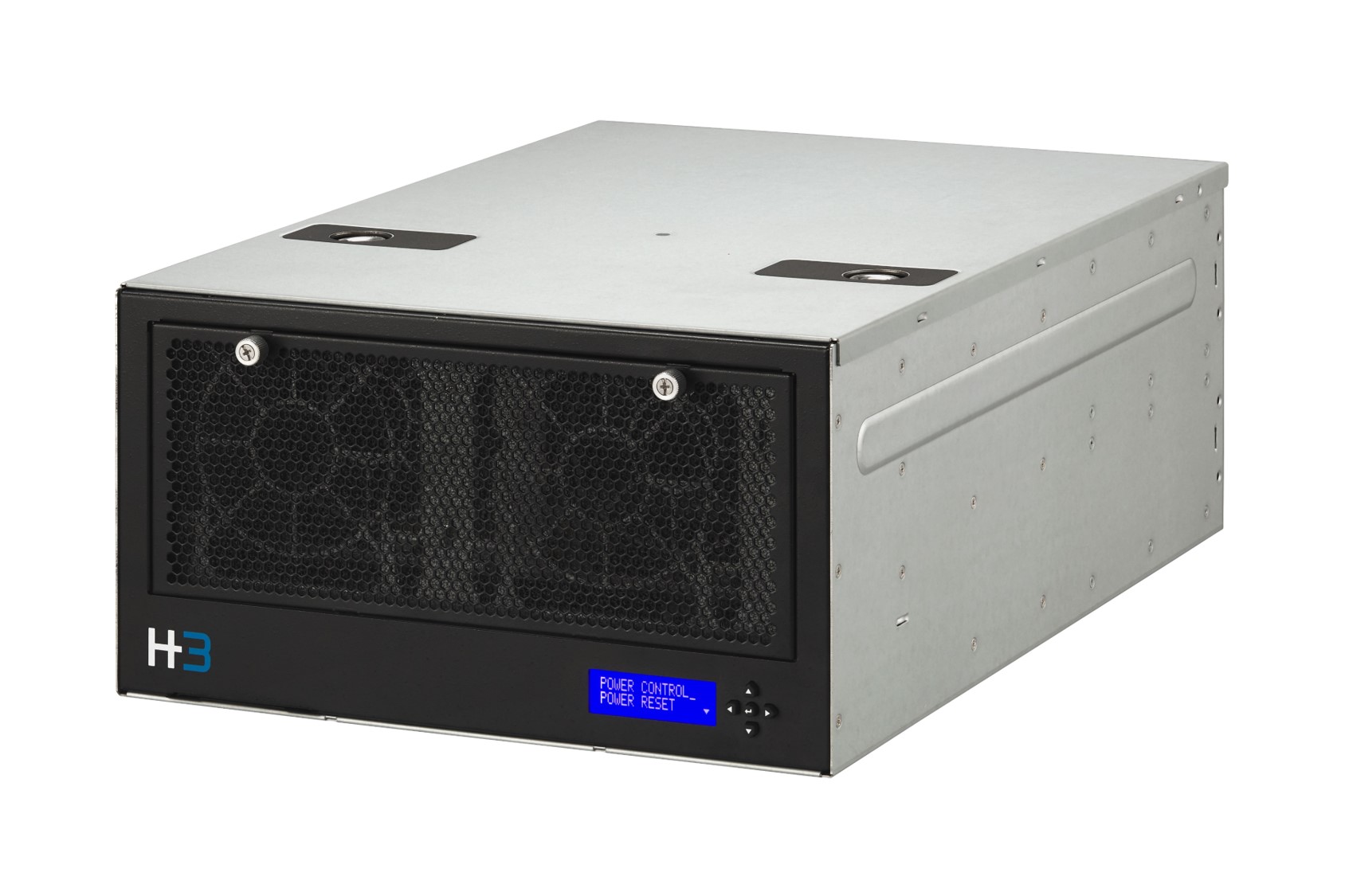
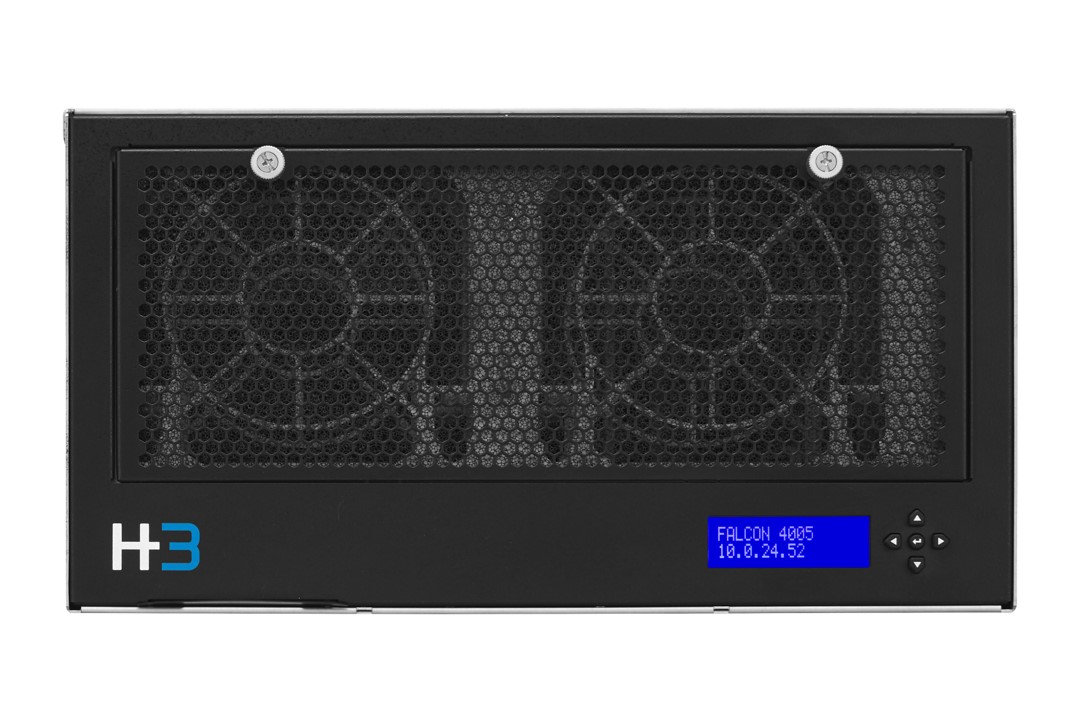
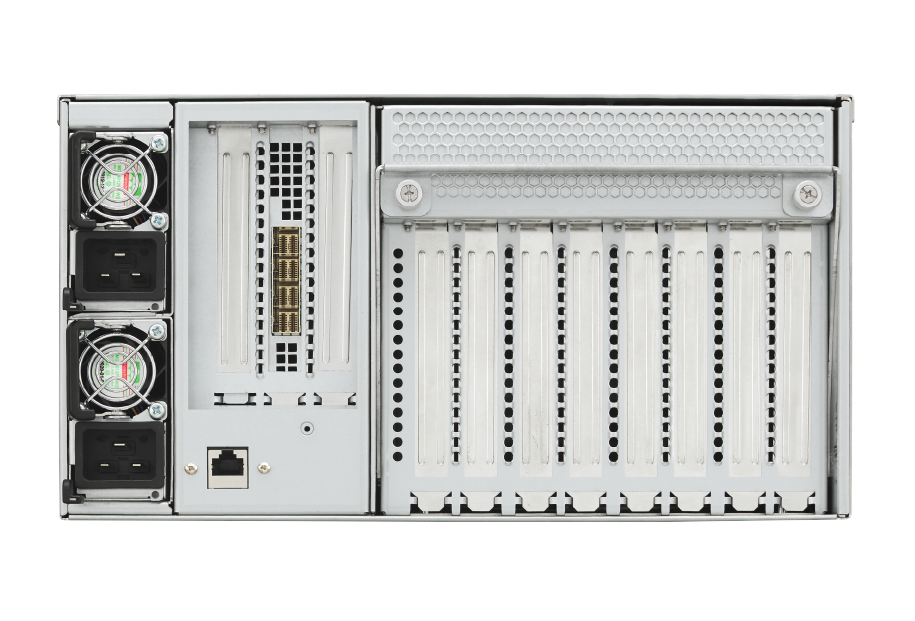
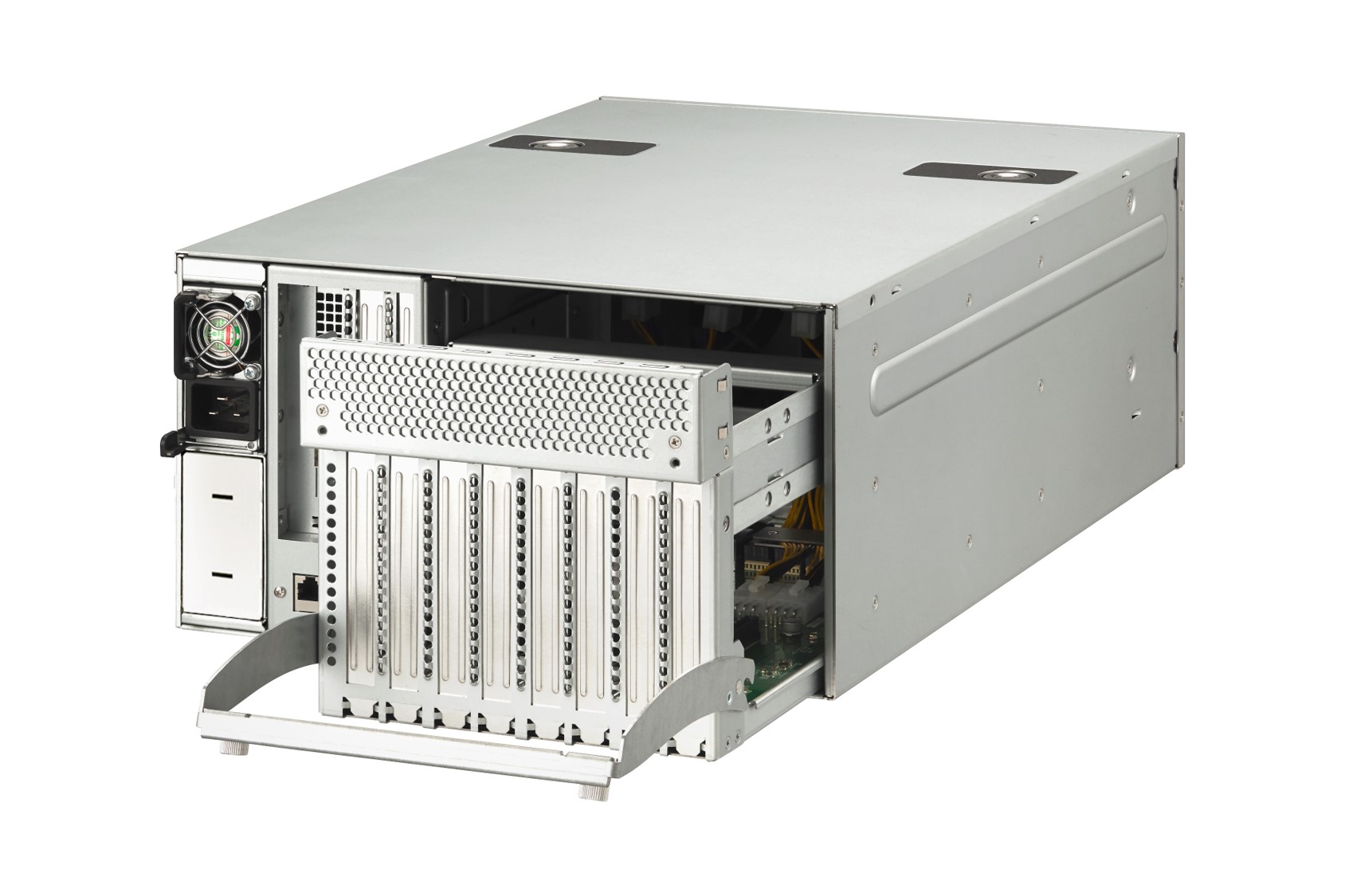
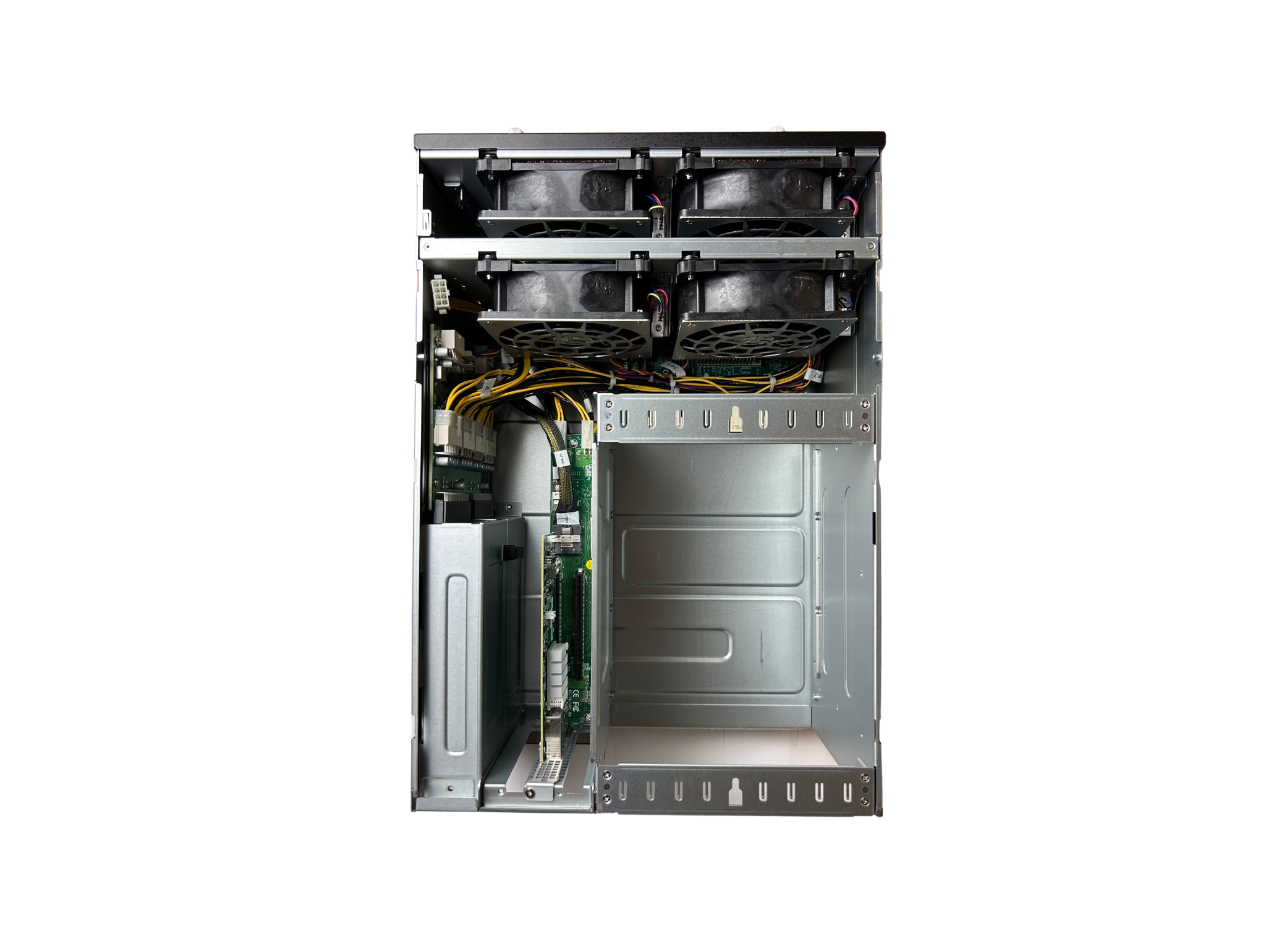
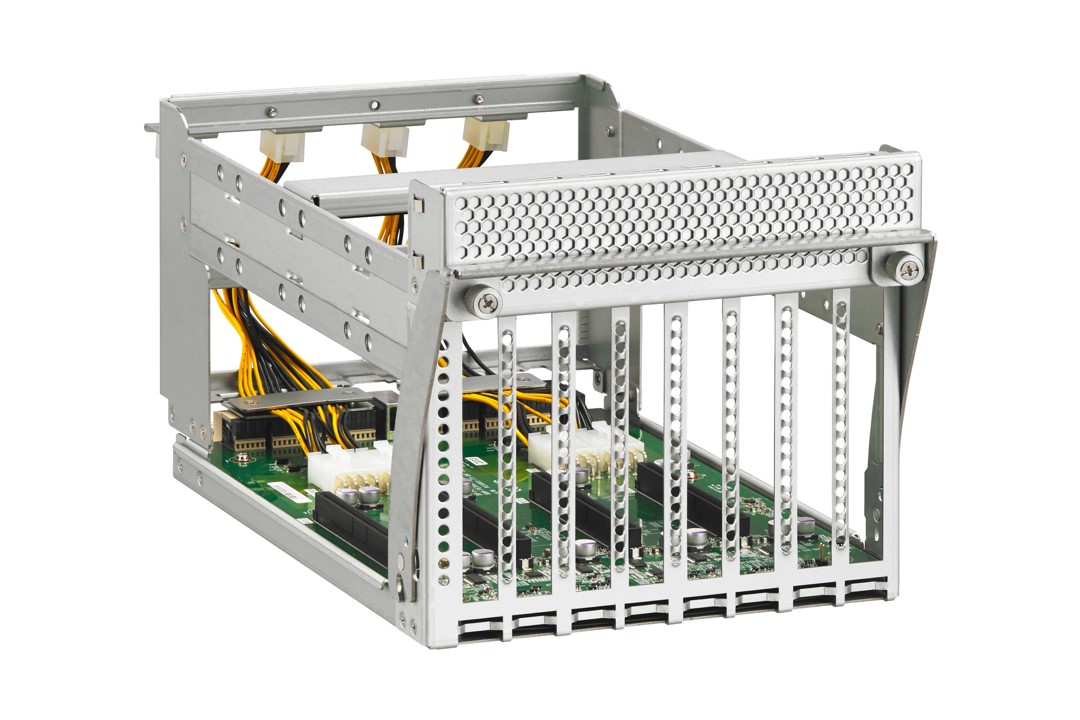
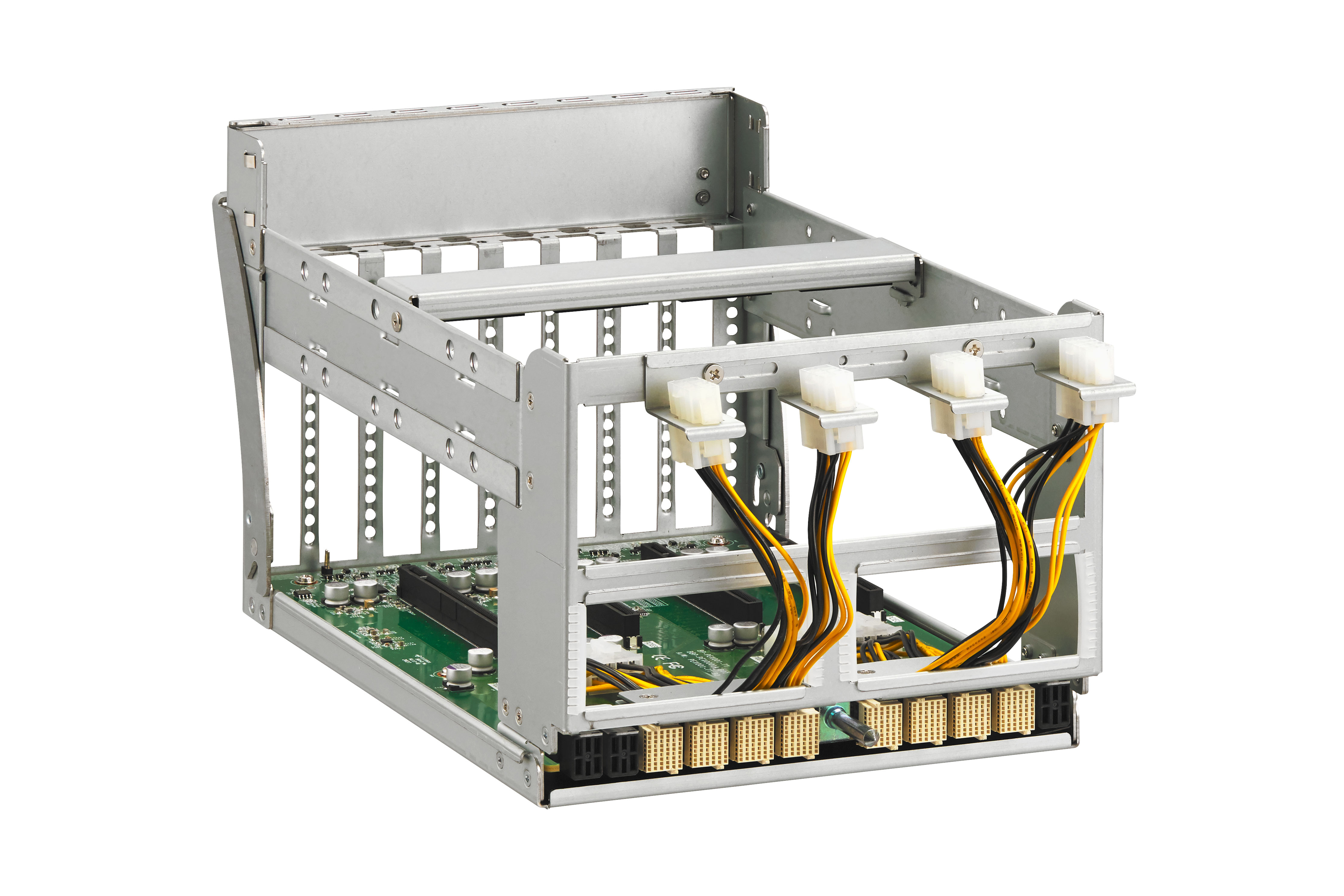
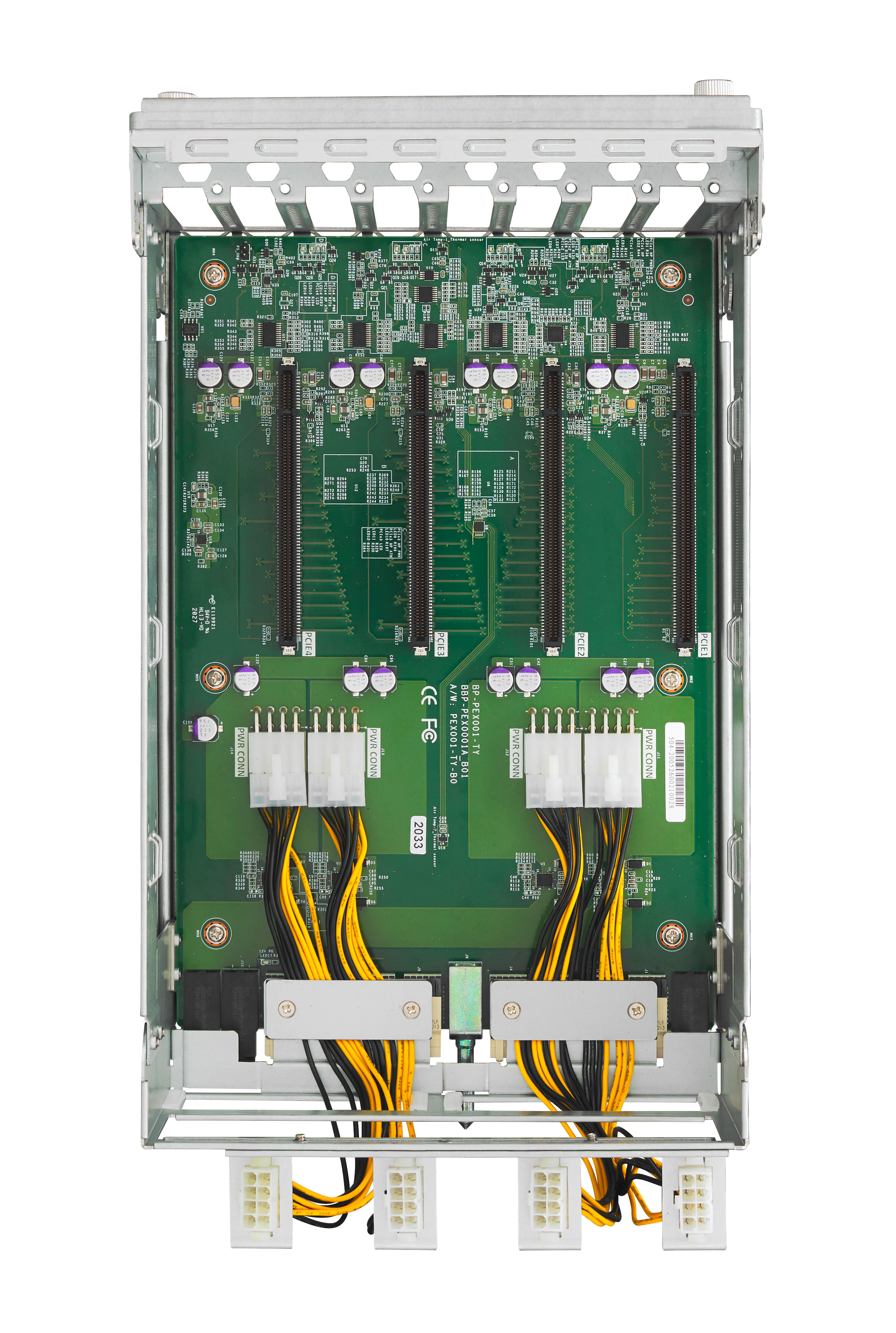
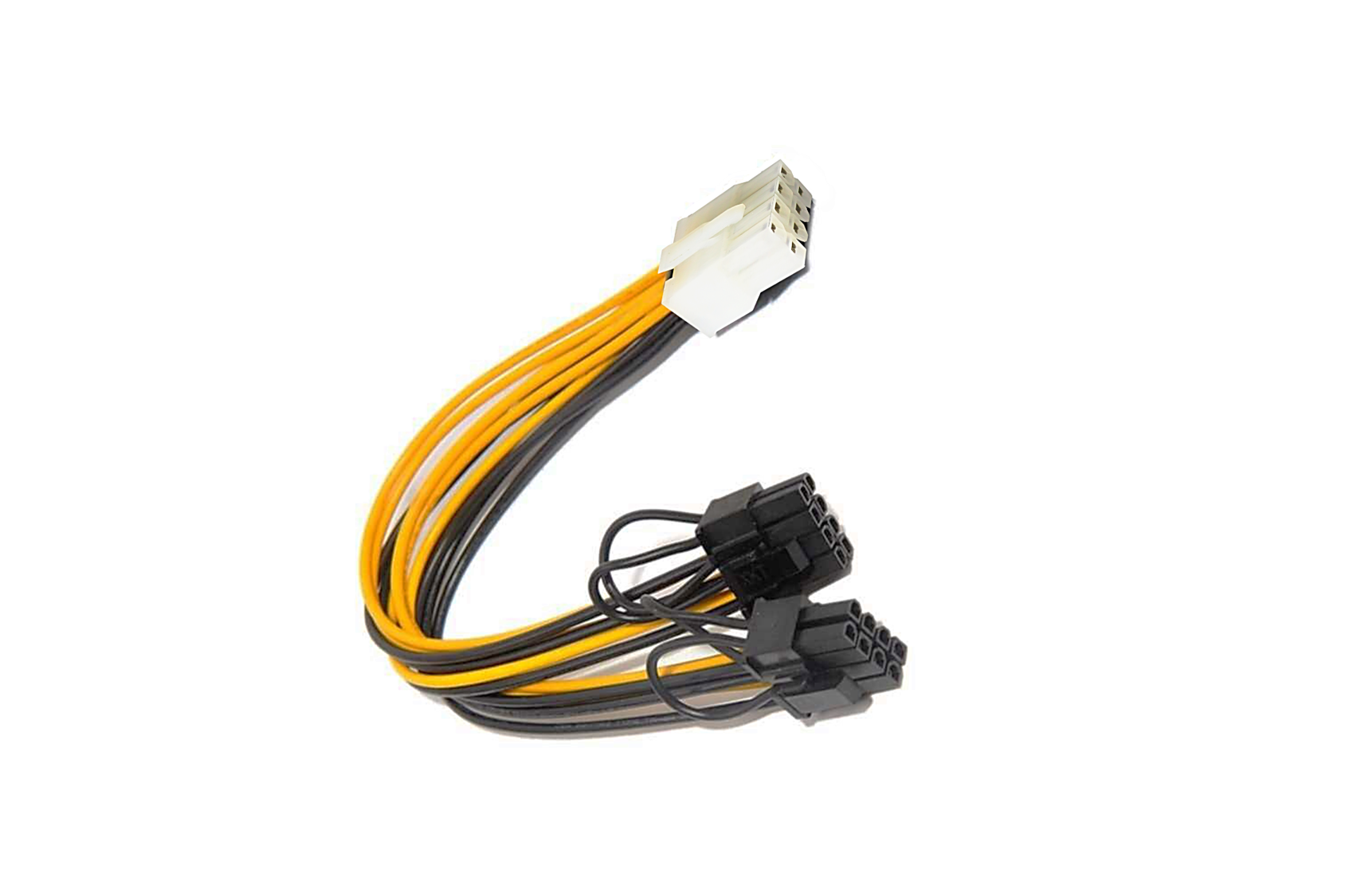
Taking advantage of disaggregated architecture, Falcon 4205 provide sufficient power and stand-alone cooling to multiple high-performance graphics cards. Each PCIe slot can provide up to 450 Watts to any power-hungry device and the four free-running fans adjust airflows according to the device temperatures to prevent GPUs from overheating under high stress conditions.

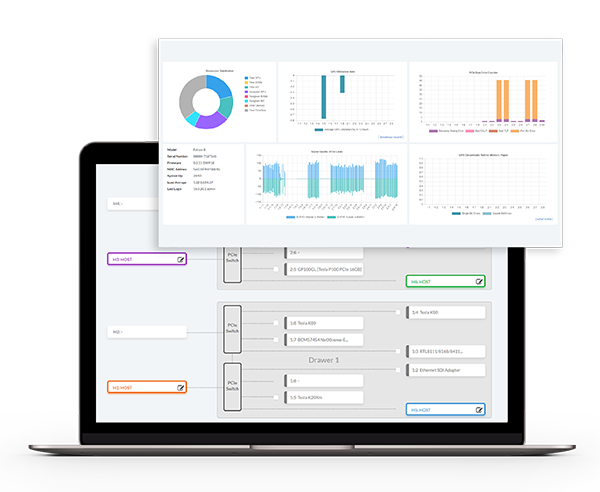
H3 provides a control center for IT administrators to quickly deploy resources and monitor system health and usage at a glance. Starting from the dashboard, IT administrators could get real-time performance and usage updates. Within a few clicks, the resource could be transferred from one idle server to a busy server. The one-pane view helps you get your much-needed information quickly and precisely. The simplified report delivers detailed and easy diagrams and tables for your management to track down the source of performance issues and preempt future service disruptions
Up to 8 hosts can share 4 RTX 3090 on-demand. With Falcon 4210 you can save up to a day in setup time alone. You can remove the GPUs from one workstation and easily add it to another workstation. The resources are re-arranged at the right place and at the right time. IT administrators would find that to be easy and intelligent. This cohesive hardware and software solution lets you spend more time to focus on insights instead of scraping together components.

| Features |
|
|---|---|
| Management Interface | Redfish®, RESTful API, GUI |
| Supported Browsers | Google Chrome, Microsoft Edge, Mozilla Firefox |
| System Management |
|
| Model Name | Falcon 4205 |
|---|---|
| BMC/mCPU | Aspeed AST2500 |
| PCIe Switch | Broadcom PEX 88096 PCIe 4.0 switch |
| PCIe Device Slots |
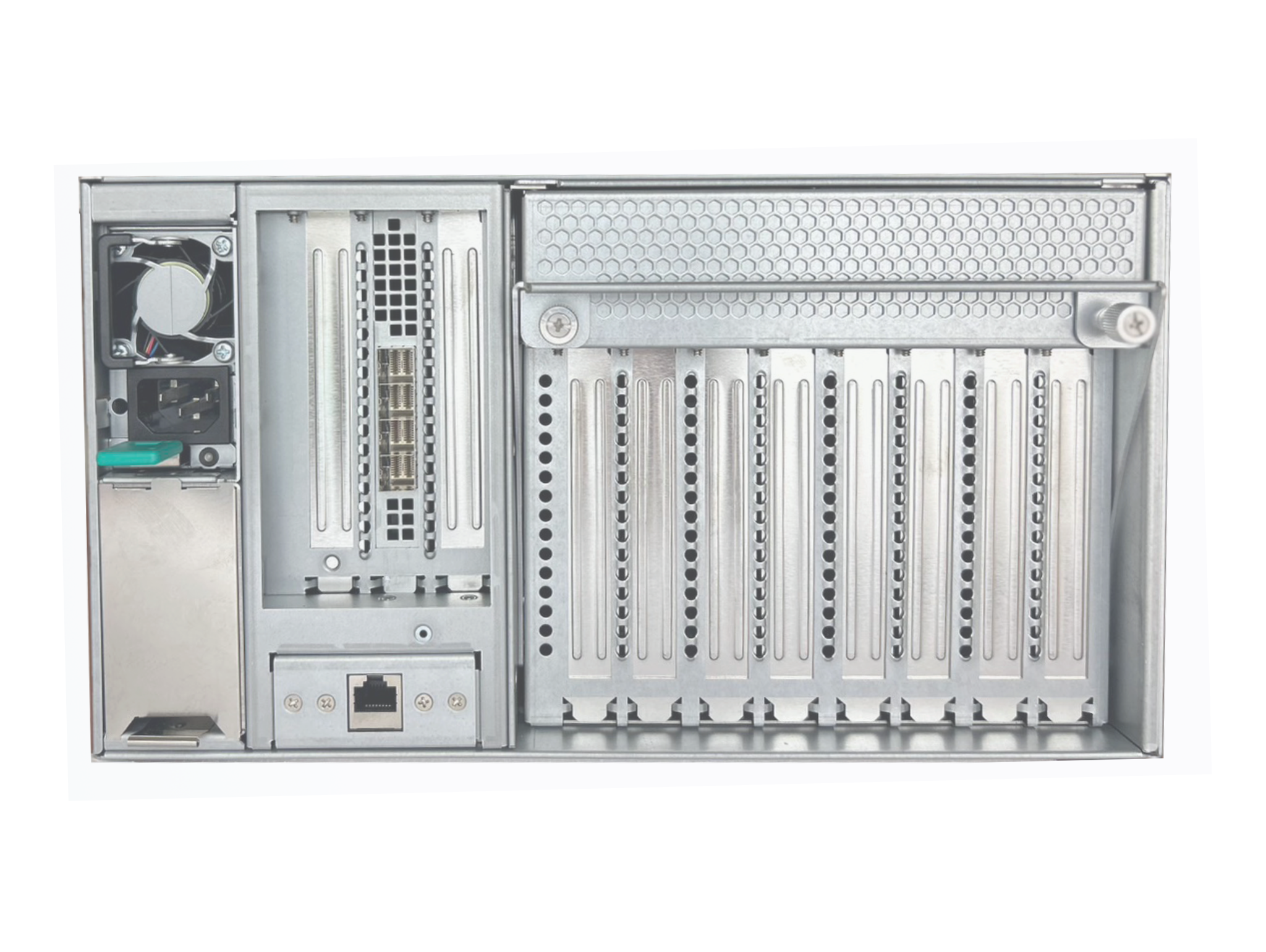
Four (4) GPU PCIe 4.0 x16 double width FHFL (Up to 450W) One (1) PCIe 4.0 x16 FHFL - 314 mm (L) x 139 mm (H) x 34.8 mm (W) |
| Host Interface - Standard mode |
|
| Host Interface - Advanced mode |
|
| LCM |
16 x 2 dot matrix LCD Display status and key information |
| Power |
|
| Fan |
|
| LAN | One (1) RJ45 Gigabit Ethernet LAN port |
| Environmental Spec. |
|
| Dimensions | 174(H) X 320(W) X 466 (D)mm |
| Agency Compliance |
Agency Certifications : EN 55032, class B EN 55035 EN 61000-3-2 EN 61000-3-3 FCC Part15B, class B FCC ICES-003 Class B VCCI-CISPR 32 RoHS Directive 2011/65/EU |
| Accelerator |
|
|---|
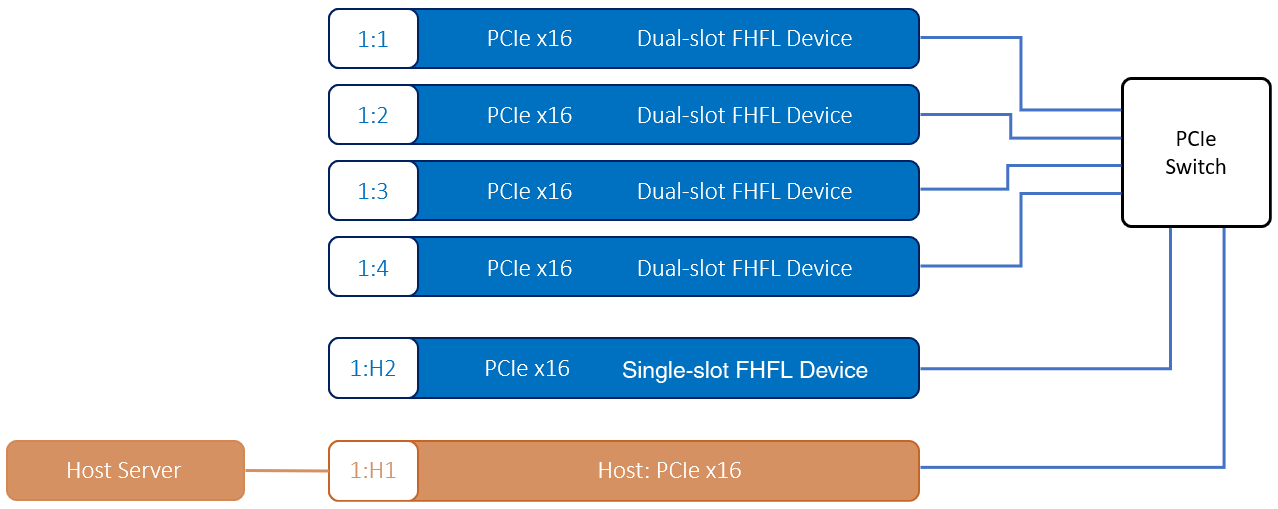
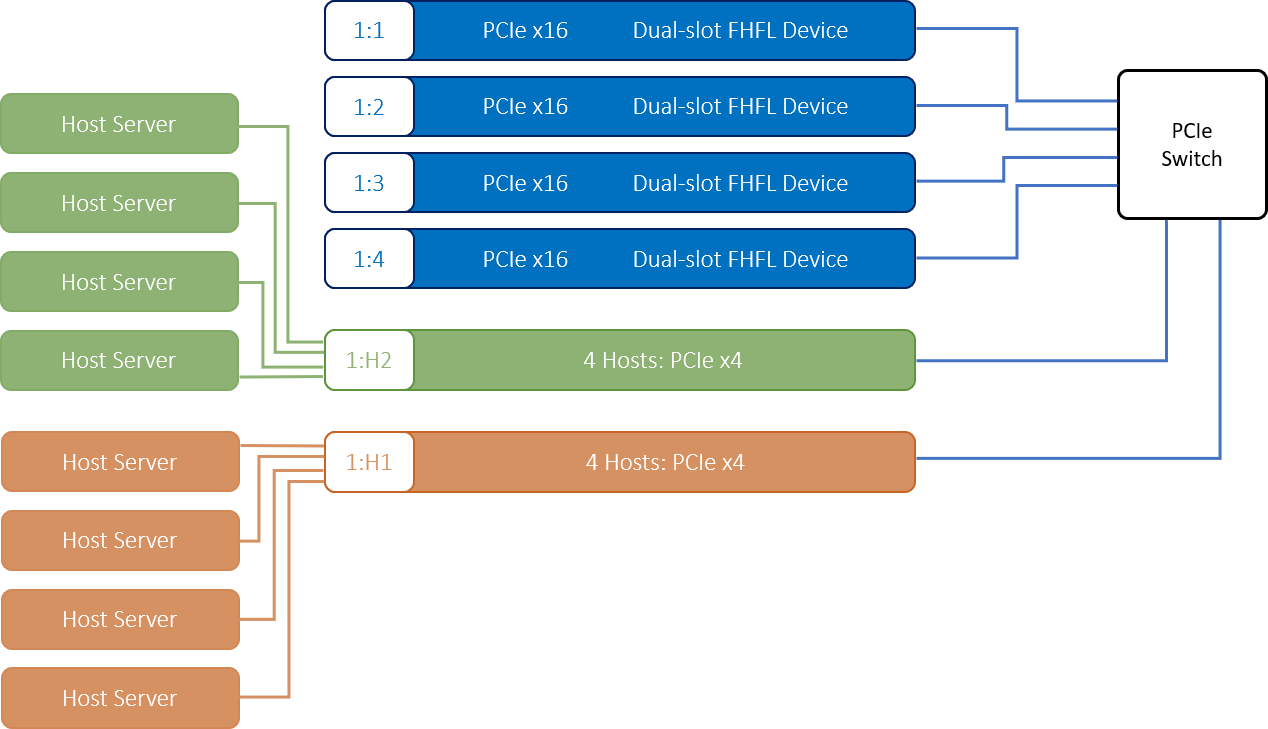
There are two configuration modes of Falcon 4205, the standard mode and the advanced mode. The Standard mode supports single host connection, the fifth port (slot) will be a device slot and remain unchangeable. The Advanced mode supports multiple host connections, the fifth port (slot) can be re-configured into host port for the extra host. Also, the GPUs can be re-allocated dynamically among hosts under Advanced mode.
All four GPUs are accessed by a single host.
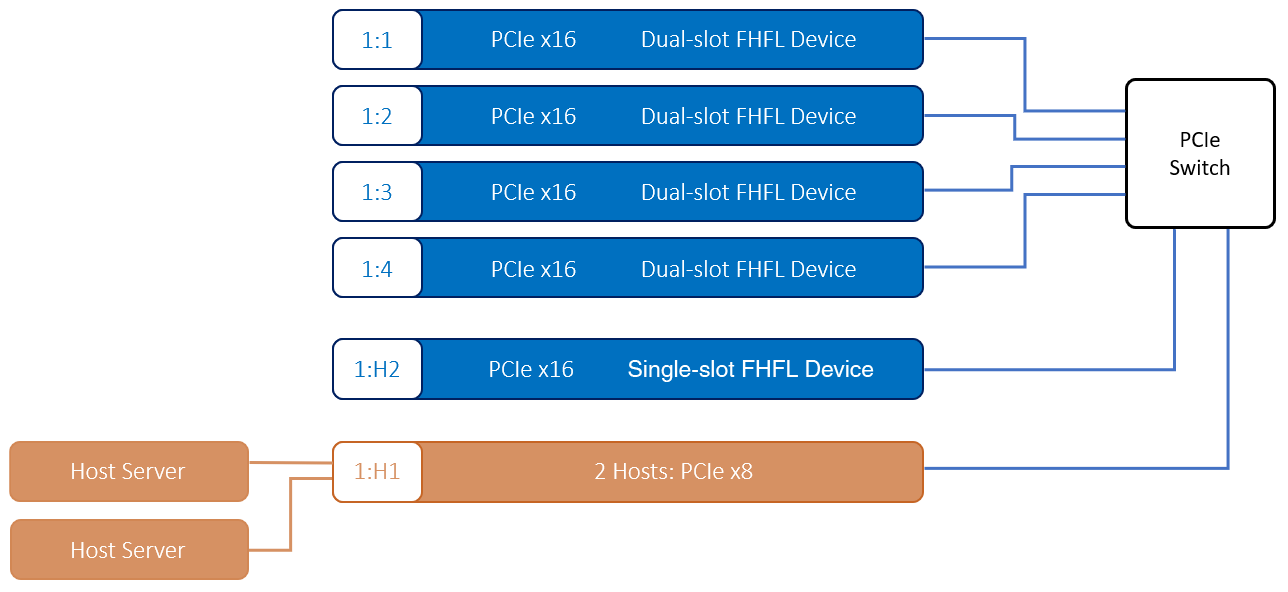
2. Advanced mode with two x8 hosts
The host port is configured into two x8 host ports. The four GPUs can be allocated among the two hosts.
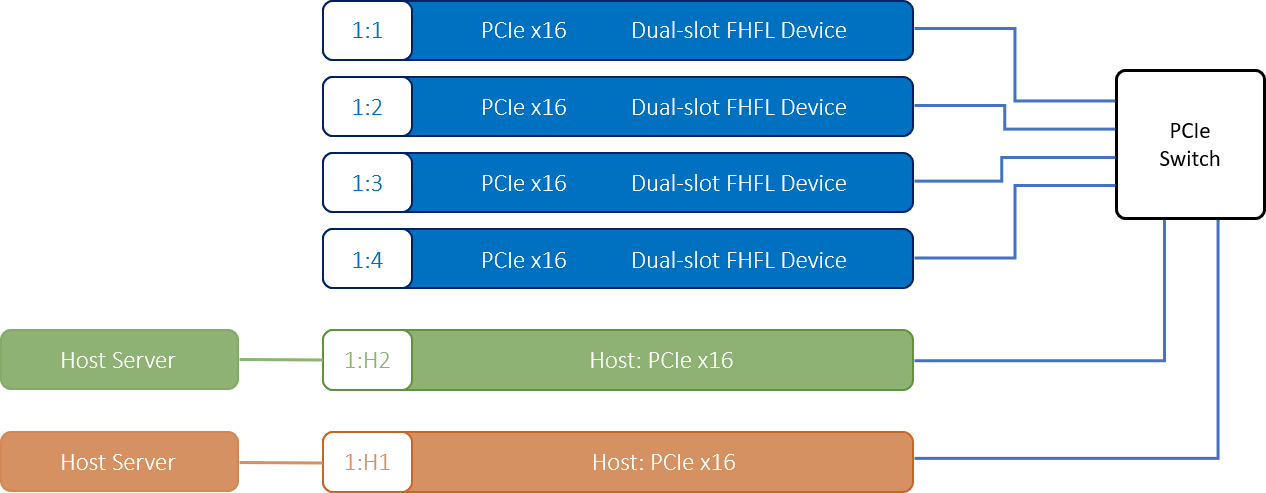
3. Advanced mode with two x16 hosts
The extra double-width slot is configured as a x16 host port. The four GPUs can be allocated among the two hosts.
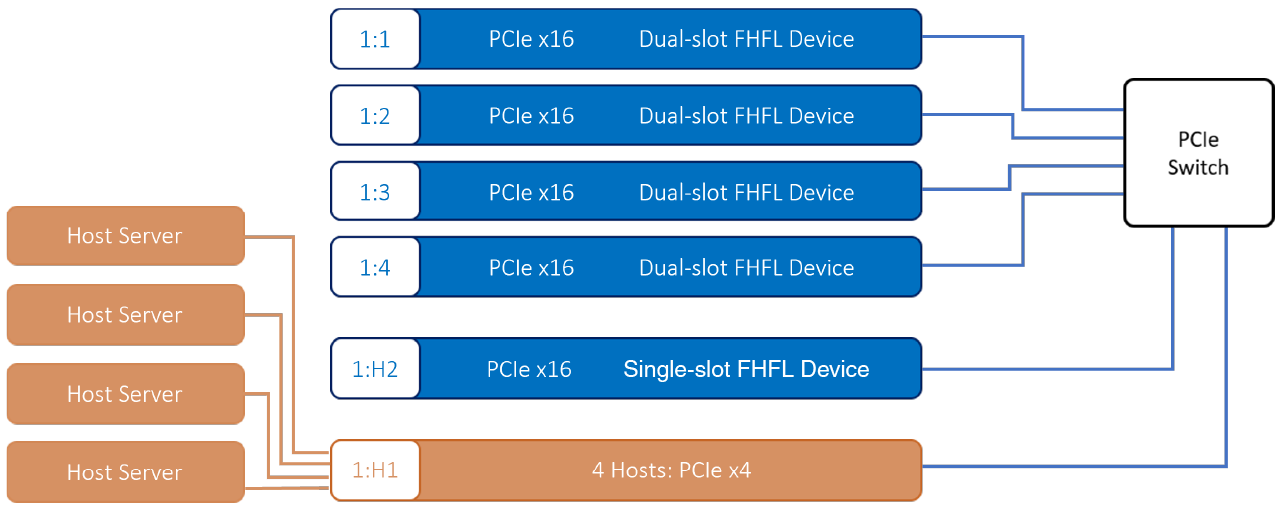
4. Advanced mode four x4 hosts
The host port is configured into four x4 host ports. The four GPUs can be allocated among the four hosts.
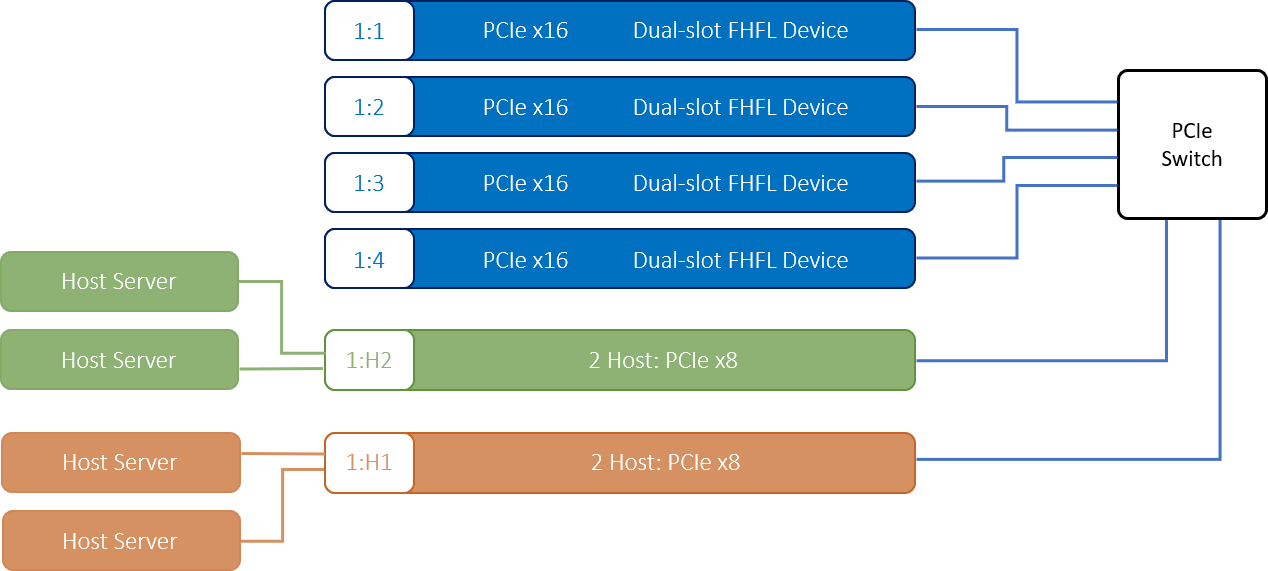
5. Advanced mode with four x8 hosts
The extra double-width slot is configured into host port. Each host port is configured into two x8 host ports. The four GPUs can be allocated among the four hosts.
6. Advanced mode with eight x4 hosts
The extra double-width slot is configured into host port. Each host port is configured into four x4 host ports. The four GPUs can be allocated among the eight hosts.
If you want to apply for any product display, please write a form and we will contact you after receiving the message.